
weekly update
Weekly AI Briefing: August 25, 2026
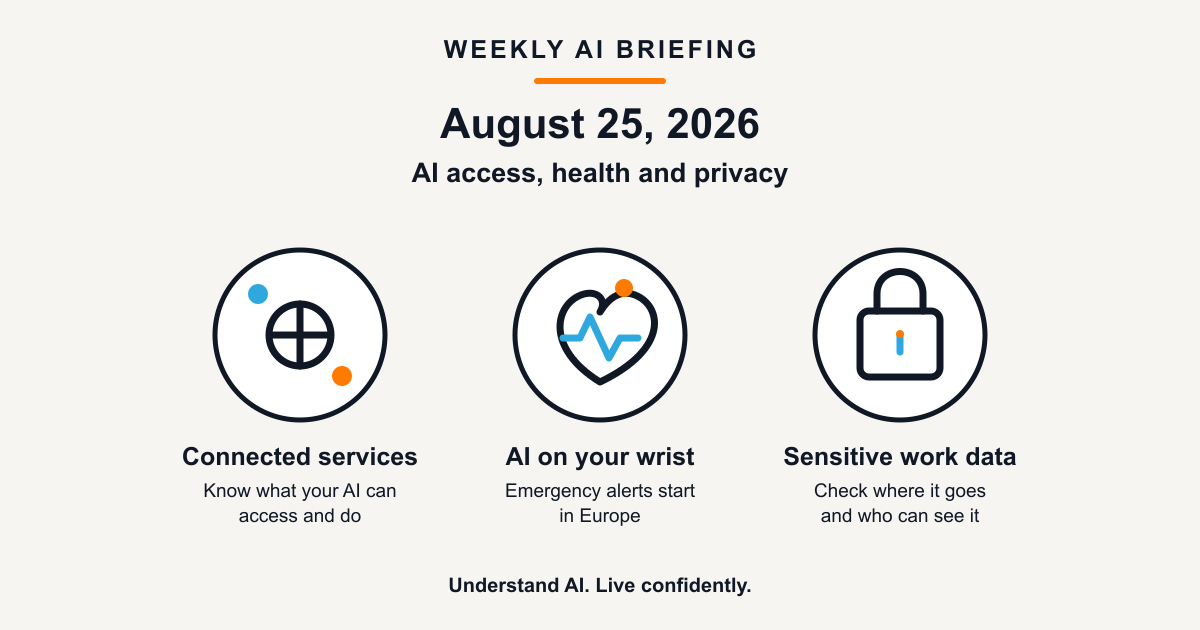
This week, AI moved a little closer to everyday decisions. One update makes it easier to connect an assistant to the services you already use. Another brings an AI-powered safety feature to a wearable, starting in Europe. A third is about what happens to sensitive information when a team uses AI at work.
1. Your AI assistant may soon help with bookings, plans, and appointments
What changed: Google announced more connected apps for Gemini, including services for local experiences, restaurants, tickets, home services, and doctor appointments. The rollout is planned over the coming weeks.
Why this matters: An AI assistant becomes more useful when it can move from suggesting options to helping you take action. It also means a chat tool can become connected to more of your accounts, choices, and personal context.
Practical takeaway: Connect one service at a time. Before turning on an integration, check what information it can access, what it can do for you, and how you can disconnect it later.
2. An AI watch may call for help in a breathing emergency
What changed: Google says its Pixel Watch 5 will introduce breathing emergency detection, launching first in Europe. If the watch detects a possible breathing emergency and its wearer does not respond, Google says it can call emergency services and share the wearer’s location. The feature is only available in certain EU markets.
Why this matters: This is a striking example of AI moving from recommendations into a safety-related role. It may be useful in an emergency, but it is a product feature with important limits, not a medical device or a replacement for care.
Practical takeaway: If you use a compatible watch, check whether the feature is offered where you live, how emergency calling works, and whether your device has a charge and connection. Do not rely on a wearable for diagnosis, treatment, or emergency monitoring.
3. Privacy is becoming a bigger part of workplace AI
What changed: OpenAI announced that eligible API customers can use frontier models with Zero Data Retention, meaning the company says prompts and responses are not retained after processing. It is also previewing a safety approach intended to spot patterns without staff reading the underlying customer content.
Why this matters: This applies to eligible API customers, not every consumer chat. Still, it highlights a question every team should ask before putting confidential material into an AI system: who can access it, how long is it kept, and what is it used for?
Practical takeaway: Before using AI for work, learn the organisation’s approved tool and data rules. Do not paste customer details, health information, passwords, or private documents into a public AI chat just because it is convenient.
Weekly mindset shift
Better question: “What decision or safety role am I giving this AI tool?”
Practical filter: Whether the tool connects to an app, offers a safety alert, or handles workplace information, start small, understand its limits, and keep a person responsible for the outcome.
Have a story you think belongs in next week’s briefing, or a question about something you read here? Reply to this newsletter or visit Contact.