
weekly update
Weekly AI Briefing: August 18, 2026
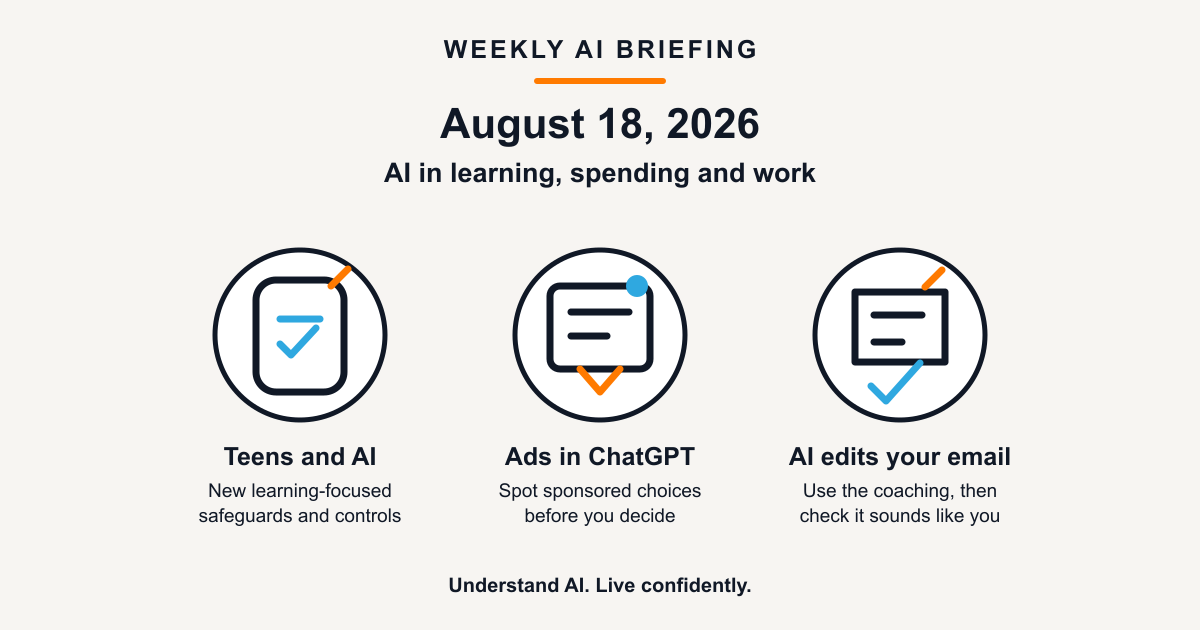
Three AI changes this week reached into everyday decisions: learning, spending, and work. Here is what each one means before it becomes part of your routine.
1. ChatGPT is introducing a teen-focused experience
What changed: OpenAI announced ChatGPT for Teens for people aged 13 to 17 and for accounts its system estimates belong to someone under 18. It includes study-oriented features, homework reminders, and additional parent controls, according to the company.
Why this matters: A tool that helps a young person work through a problem can be useful. A tool that supplies answers without understanding can weaken learning. Product safeguards are helpful, but they do not remove the need for family and school conversations about when AI is appropriate.
Practical takeaway: Ask a teenager to show their process, not only their final answer. A good test is whether they can explain the idea without the chatbot beside them.
2. ChatGPT advertising is expanding to Europe
What changed: OpenAI said ChatGPT Ads will expand to 31 European countries, including Germany. The company says ads will appear only on its Free and Go plans, will be labelled and separated from answers, and will not influence the answers themselves.
Why this matters: AI chat tools are becoming a place where people compare products, plan purchases, and seek advice. Advertising introduces a commercial layer into that setting, even when it is visibly separated from the response.
Practical takeaway: When an AI tool helps you compare options, check whether you are looking at an answer, a sponsored placement, or both. For an expensive or consequential choice, compare with an independent source before you decide.
3. Copilot can now coach you while you write an email
What changed: Microsoft says Microsoft 365 Copilot can now give coaching feedback in Outlook chat while you draft, edit, and format an email. You can choose which suggestions to apply and refine them before the message is updated.
Why this matters: This is the kind of AI change people may notice without looking for it. It can help make a message clearer or more professional, but it also makes it easier to send writing that sounds polished without sounding like you.
Practical takeaway: Use the suggestions as an editor, not an autopilot. Before sending, check whether the message still says what you mean, reflects the relationship, and shares only information you are comfortable putting into an AI tool.
Weekly mindset shift
Better question: “Where is AI quietly shaping a decision I make?”
Practical filter: Pause before you accept an AI suggestion, click a sponsored placement, or send a rewritten message. The fast option should still be your decision.
Have a story you think belongs in next week’s briefing, or a question about something you read here? Reply to this newsletter or visit Contact.